Waitlist
olllo is currently in private beta. We’re working hard to provide the best experience for our early users before opening to the public.
How to Join the Waitlist
- Visit the olllo homepage
- Click “Join Waitlist”
- Enter your email address
- You’ll receive a confirmation email
What Happens Next?
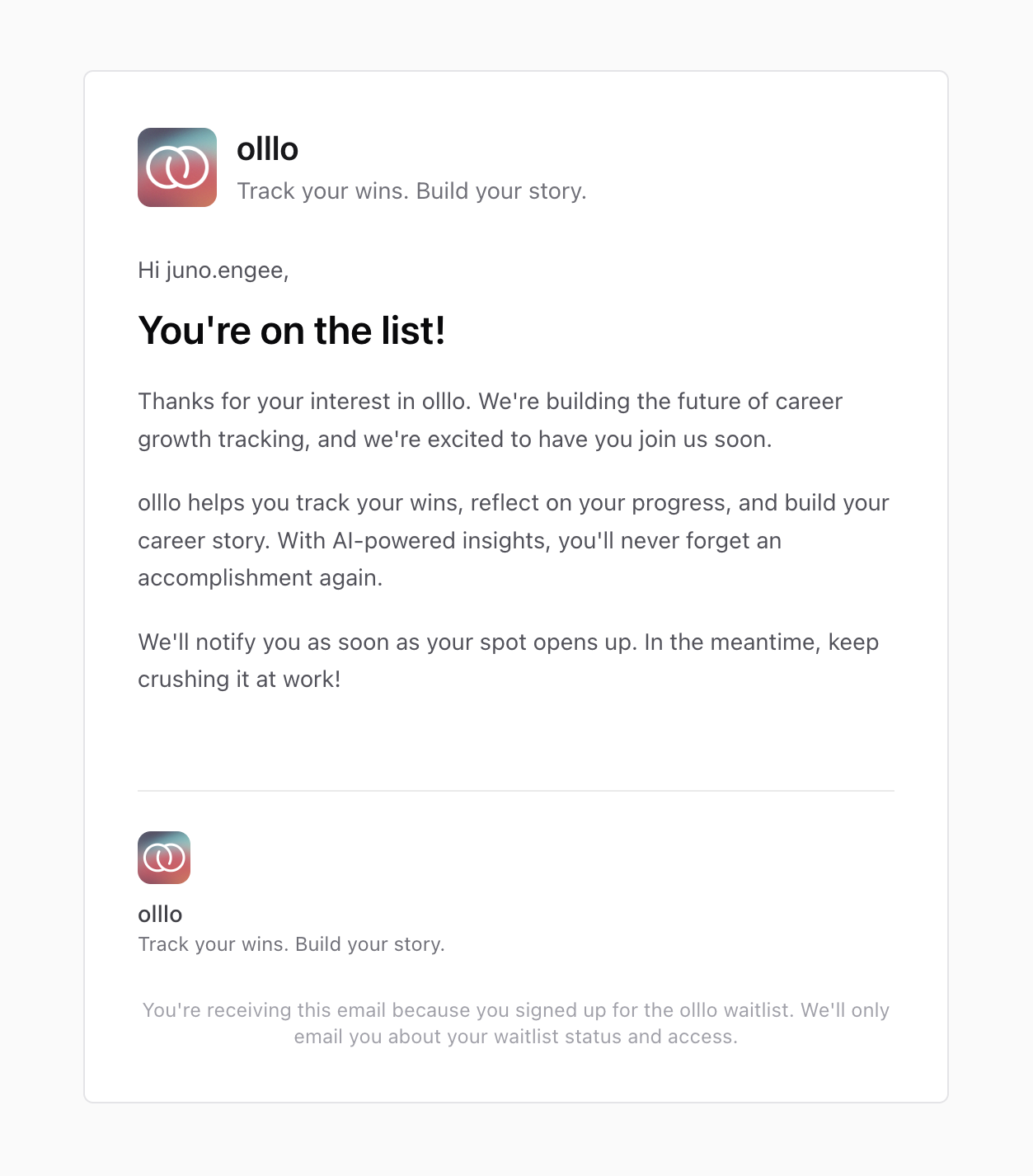
Confirmation Email
After joining the waitlist, you’ll receive a confirmation email that:
- Confirms your place on the waitlist
- Explains what olllo does
- Sets expectations for when you can expect access
Beta Invitation
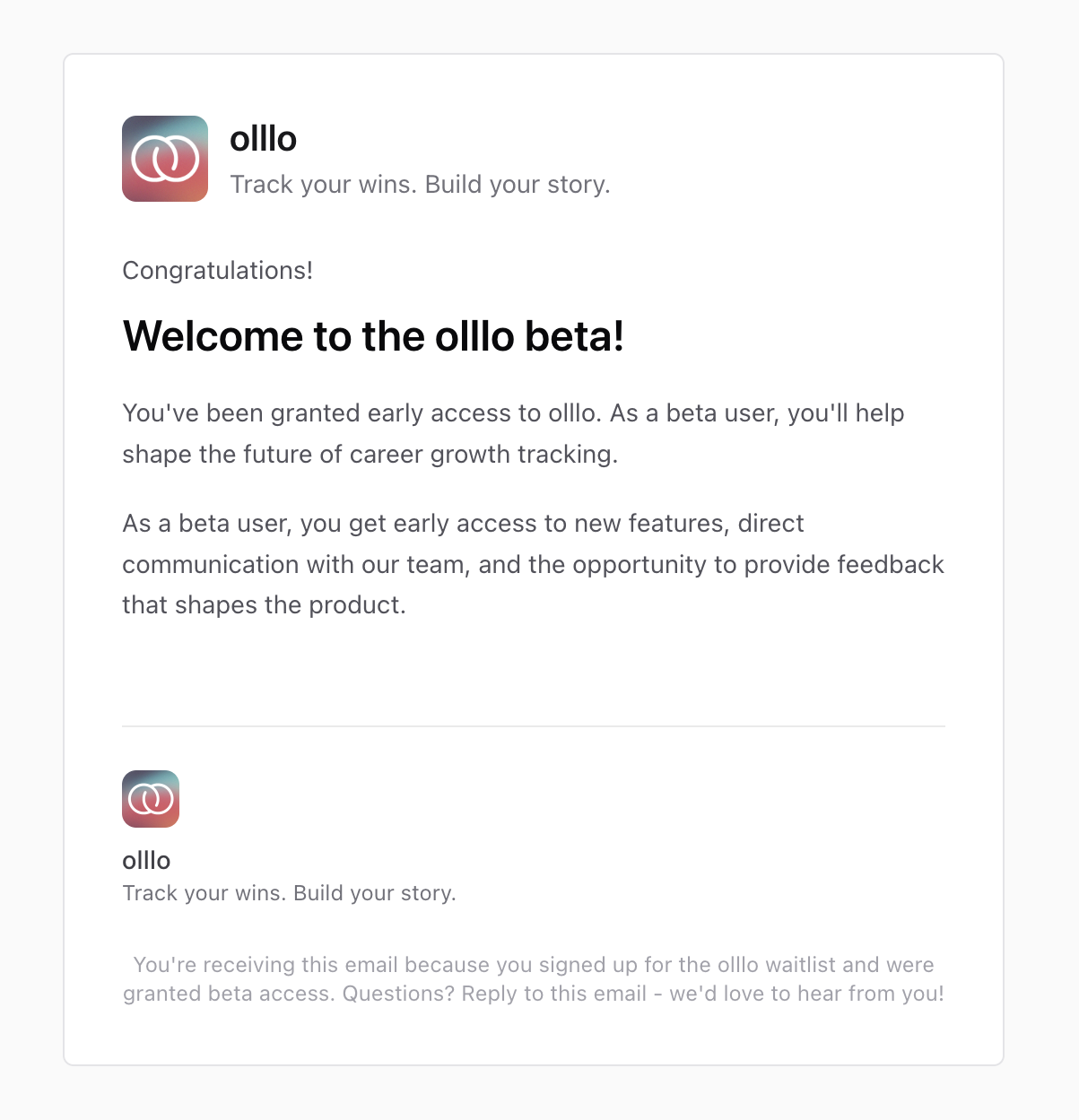
When you’re promoted from the waitlist to beta access, you’ll receive:
- A welcome email with beta user benefits
- A direct link to create your account
- Information about how to provide feedback
Create Account
The beta invitation email includes a link to create your account. This link:
- Expires in 30 days - Be sure to use it within 30 days of receiving the email
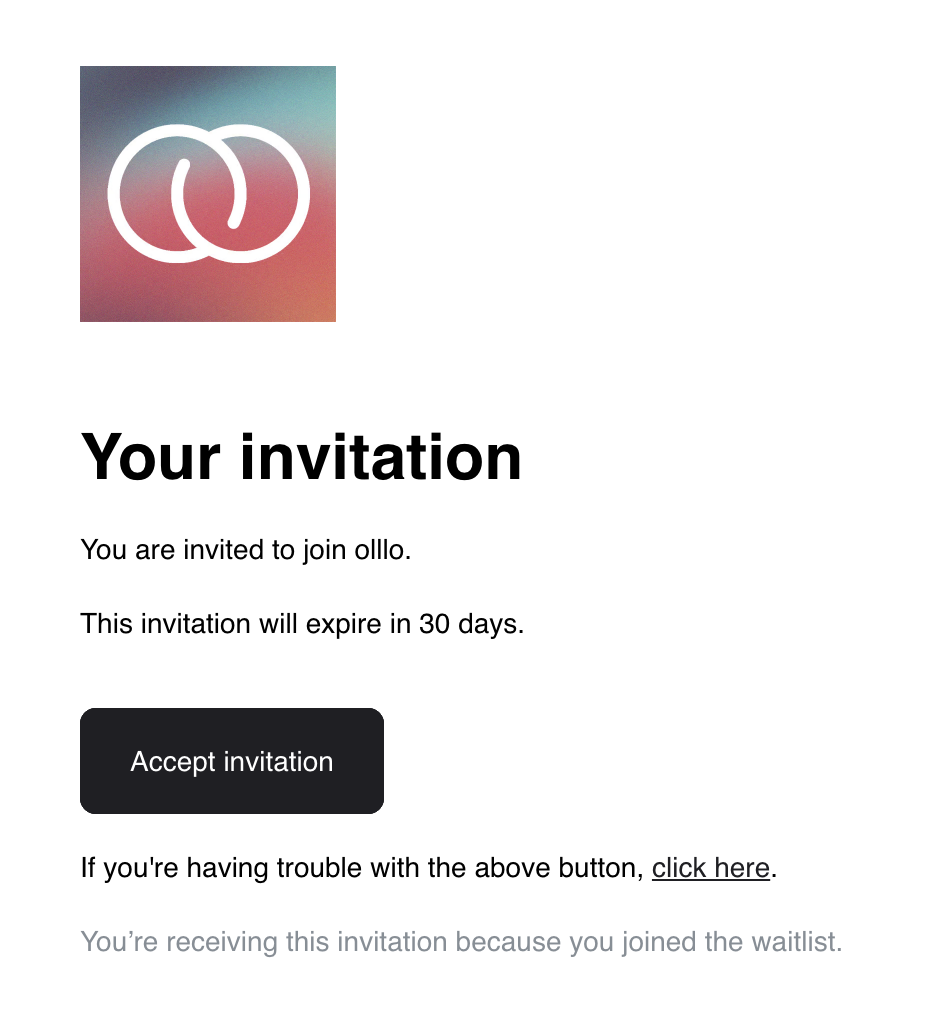
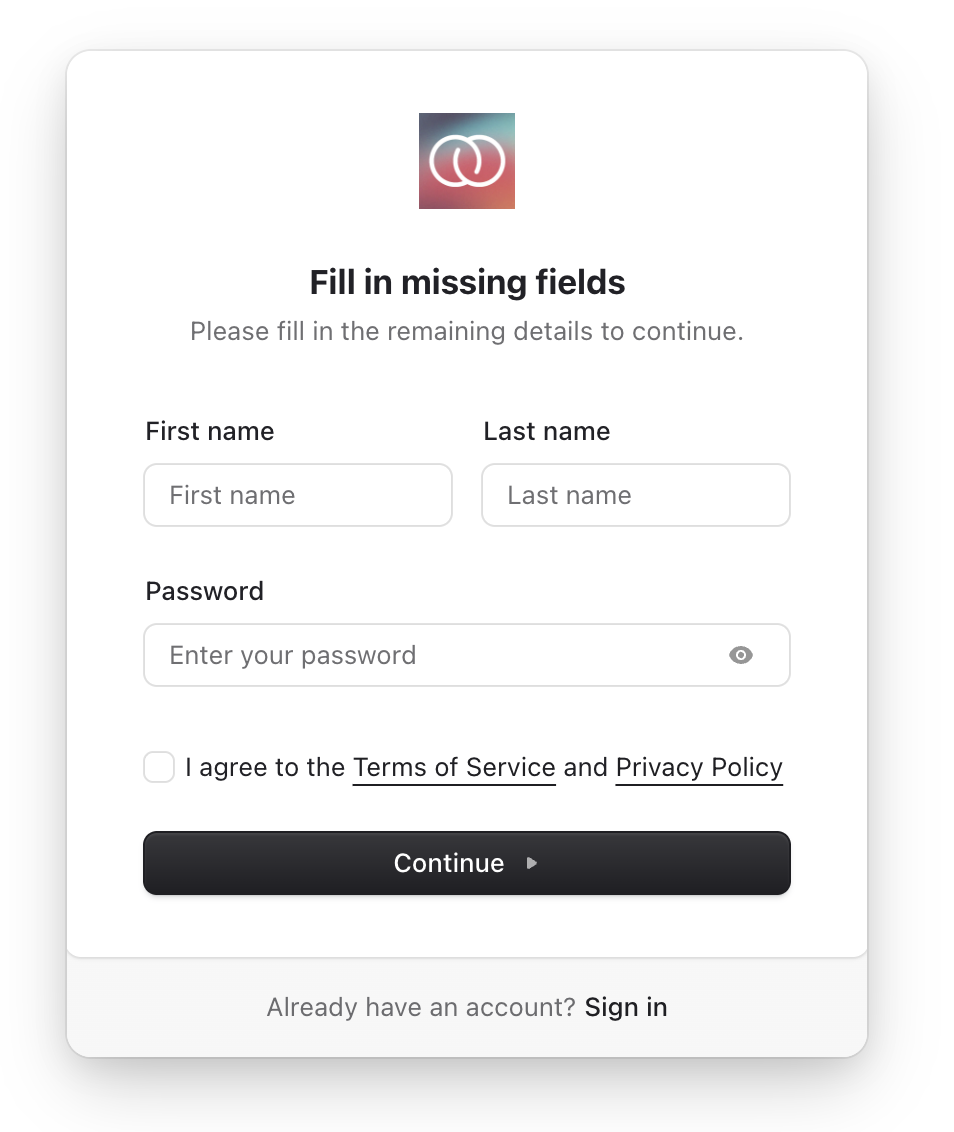
- Completes your account setup - Takes you to a page where you’ll:
- Enter your display name
- Create a secure password
- Accept the terms of service and privacy policy
- Finish setting up your olllo account
Once you click the link and complete account creation, you’ll be able to access olllo and begin your career growth journey.
Private Beta Status
We’re currently accepting a limited number of users into our private beta. This allows us to:
- Gather feedback and improve the experience
- Ensure stability and performance
- Refine features based on real usage
Public Beta
We’re working toward opening olllo to the public. Once we launch public beta:
- All waitlist members will be notified
- New users can sign up directly
- No invitation required
Questions?
If you have questions about the waitlist or beta access, please contact us at support@olllo.app.
Last updated on