Delete Account
Permanently delete your olllo account and all associated data.
Accessing Delete Account
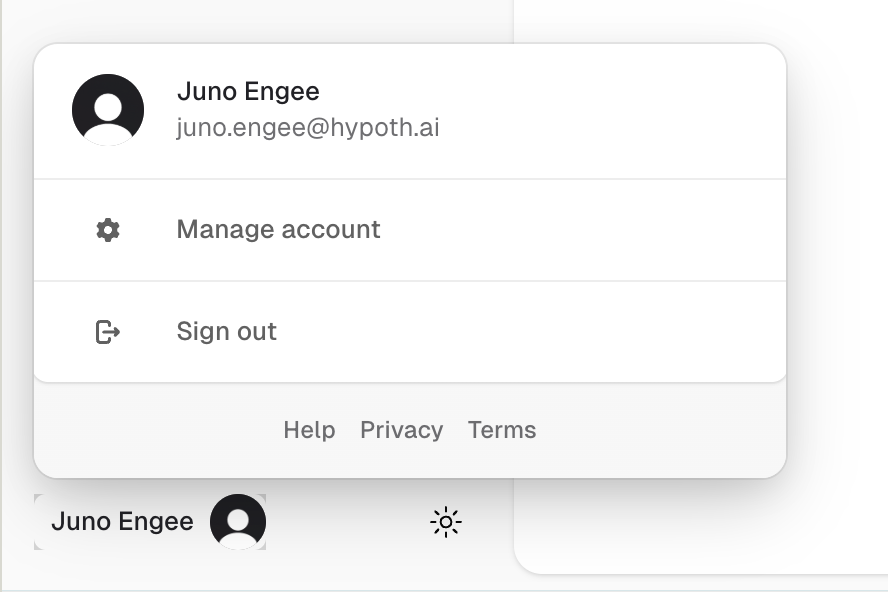
- Click on your profile avatar in the sidebar footer
- Click on “Manage account”
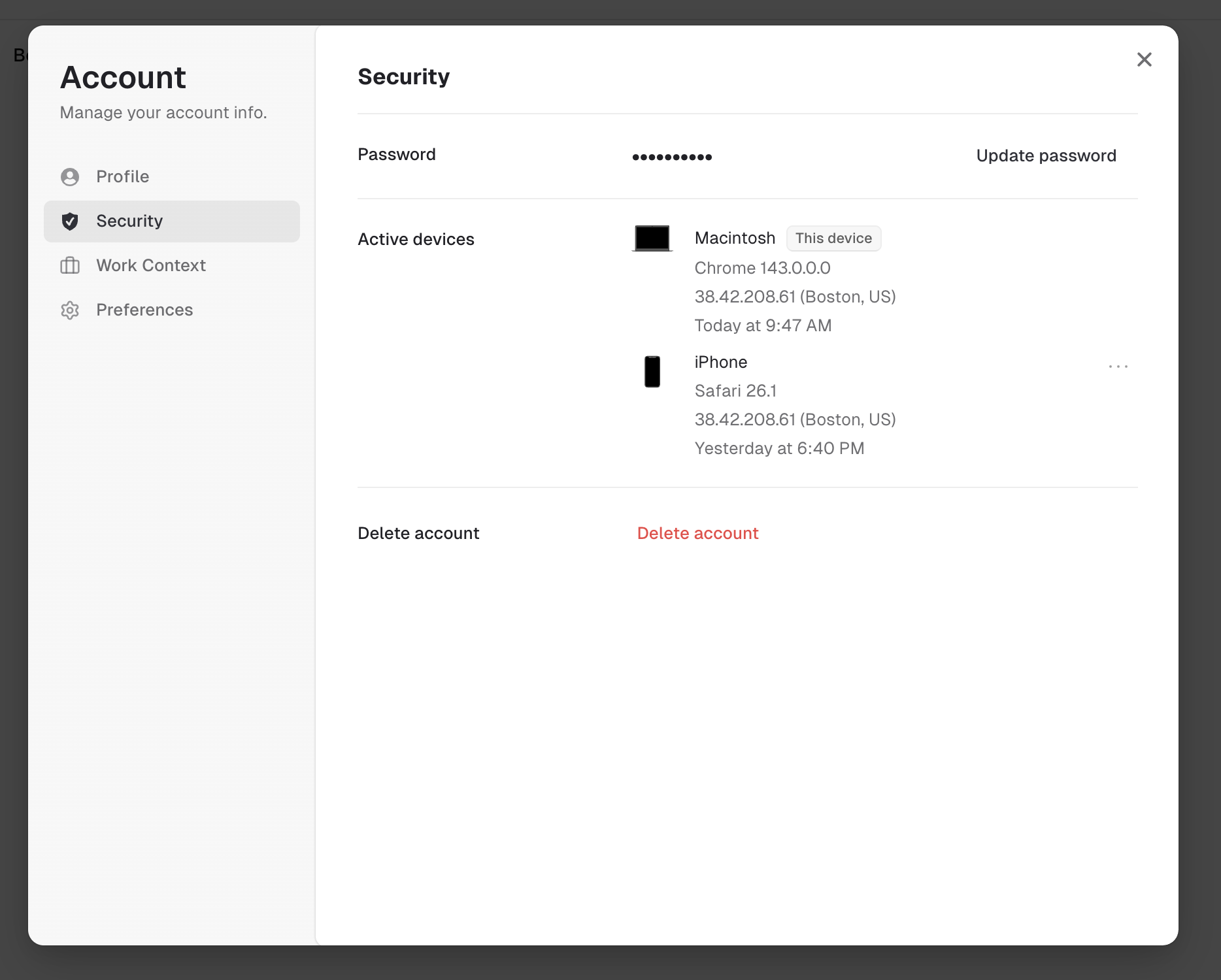
- Your user profile modal will open
- Select “Security” from the navigation menu
Warning
This action cannot be undone. Deleting your account will permanently remove:
- All your accomplishments
- All your reflections
- All your goals
- All your contacts
- All your preferences and settings
- All other data associated with your account
Before You Delete
Consider exporting your data first:
- Go to your account settings
- Navigate to Data Export
- Download your data in JSON format
- Save it securely before proceeding
How to Delete Your Account
- Click on your profile avatar in the sidebar footer
- Navigate to Account Settings
- Scroll to the “Danger Zone” section
- Click “Delete Account”
- Confirm your decision by typing “DELETE” in the confirmation field
- Click “Permanently Delete Account”
What Happens After Deletion
- Your account is immediately deactivated
- All data is scheduled for permanent deletion
- Backups are purged within 30 days
- You will receive a confirmation email
Data Retention
After you delete your account:
- Immediate: Account access is revoked
- 30 days: All data and backups are permanently removed
- After 30 days: Data cannot be recovered
Questions?
If you have questions about account deletion or want to discuss alternatives, please contact us at support@olllo.app.
Related Topics
- Data Deletion - Request deletion of specific data types
- Privacy & Data - Learn about data protection
Last updated on